




logo-image
frame-image

LEARN

frame-image

PRACTICE

frame-image

SUCCEED

logo-image
frame-image

LEARN

frame-image

PRACTICE

frame-image

SUCCEED

WhatsApp your nearest Branch
Chat with Pitampura : 9953092792
Chat with Laxmi Nagar : 7217606821
Chat with Rajouri Garden : 9810735296
Chat with South Extension : 9810735296
Whatsapp
WhatsApp your nearest Branch
Chat with Pitampura : 9953092792
Chat with Laxmi Nagar : 7217606821
Chat with Rajouri Garden : 9810735296
Chat with South Extension : 9810735296
Phone
Call your nearest Branch
Pitampura : 9540127373
Laxmi Nagar : 9540127878
Rajouri Garden : 9319608182
South Extension : 9810735296

Computer Basic and Advanced Excel - Student Reviews & Google Rating

Google reviews and rating for computer and Advanced Excel course

4.3

Computer Basic and Advanced Excel Classes in Delhi

Computer Basic and Advanced Excel Course Structure

Oxford School of Accounting

Oxford is trusted for practical, career-focused computer and Excel training in Delhi. With experienced trainers, an updated curriculum and modern classrooms, students develop essential computer and reporting skills. Our branches across Delhi make it convenient to learn MS Office and Advanced Excel with practical guidance.

What You Will Learn in Computer Basics and Advanced Excel

Start with computer fundamentals, Windows, Internet, MS Word, Excel and PowerPoint. Progress to Advanced Excel with formulas, lookup functions, PivotTables, data validation, Power Query, dashboards, data analysis and reporting. Practical assignments help learners apply these skills to office and business tasks.

Computer Basic and Advanced Excel Course in Delhi | Duration – 3 Months

Looking for a computer basic and advanced Excel course near me? Visit our branches at Laxmi Nagar, Rajouri Garden, Pitampura or South Extension. Our 3-month course is suitable for students, job seekers and professionals who want to strengthen computer skills and develop advanced Excel abilities for office, MIS, finance and reporting work.

Why Choose Oxford for Computer Basic and Advanced Excel Training?

Why choose Oxford for computer and Advanced Excel training
right-arrow-icon-image

Oxford has provided professional computer training in Delhi since 1997

right-arrow-icon-image

Four Metro-connected branches make computer and Excel classes convenient.

right-arrow-icon-image

Learn MS Office and Advanced Excel through practical, step-by-step training.

right-arrow-icon-image

Develop Excel skills in formulas, PivotTables, dashboards and business reports.

right-arrow-icon-image

Practical assignments help you apply Excel skills to real office requirements.

right-arrow-icon-image

Build useful skills for MIS, admin, finance and office reporting roles.

Computer Basic and Advanced Excel Course Content

The course covers computer fundamentals, MS Office, Advanced Excel, data management, PivotTables, analysis, visualisation and reporting.

Learn Computer Basic and Advanced Excel Online – One-to-One

We also offer one-to-one online computer and Advanced Excel classes for students, homemakers, job seekers and working professionals. These personalised live sessions help you learn at your own pace with practical exercises based on your requirements. Learn computer basics, MS Office and Advanced Excel from home with individual trainer guidance.

Online one-to-one computer and Advanced Excel classes with personalised training

FAQs – Computer Basic and Advanced Excel Course

It is a combined course that starts with essential computer and MS Office skills and progresses to Advanced Excel. It is designed for learners who want practical computer and Excel skills for office and reporting work.

The course covers Windows, Internet, MS Word, Excel, PowerPoint and Advanced Excel topics such as formulas, lookup functions, PivotTables, data validation, Power Query, dashboards and reporting.

Yes. The course begins with computer and MS Office fundamentals and then progresses to Advanced Excel, allowing beginners to build their skills step by step.

Students, job seekers, homemakers and working professionals can join. It is suitable for beginners as well as learners who want to improve their Excel and office productivity skills.

No. The course starts with computer fundamentals and is suitable for beginners. Learners gradually move from basic computer and MS Office skills to Advanced Excel.

Advanced Excel skills can help with reports, MIS, data organisation, dashboards and office productivity. They are useful for administrative, finance, MIS and reporting-related work.
Yes. We also conduct customised one-to-one classes for learners who want to focus on specific Excel topics according to their work or learning requirements.

Yes. We provide personalised one-to-one online classes, allowing you to learn computer basics, MS Office and Advanced Excel from home at a convenient pace.

Computer and Advanced Excel skills can support opportunities in office administration, MIS, finance, reporting and other computer-based roles. Practical Excel knowledge can also help professionals improve workplace productivity.

The combined Computer Basic and Advanced Excel course is designed for 3 months. Personalised one-to-one training may vary according to the learner’s existing knowledge and requirements

Best MS Office and Advanced Excel
Classes in Delhi
Since 1997

QUICK ENQUIRY

Top Companies Where Our Star Alumni Are Working


Hear It from Our Students

Listen to our students share their learning experiences, growth, and feedback about our courses!

What Our Students Say

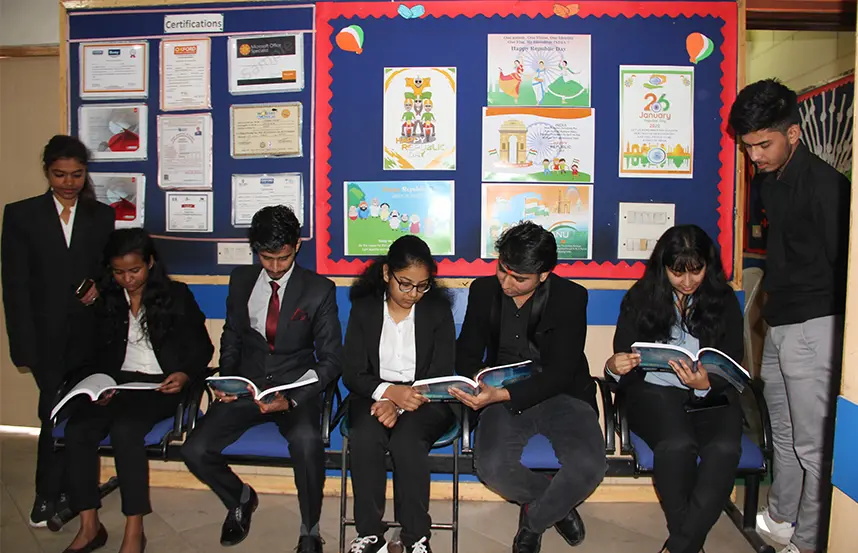
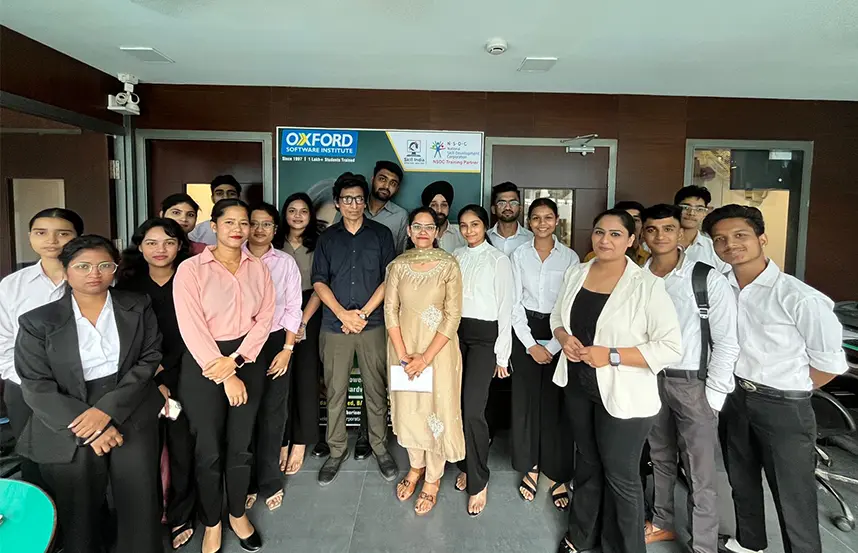
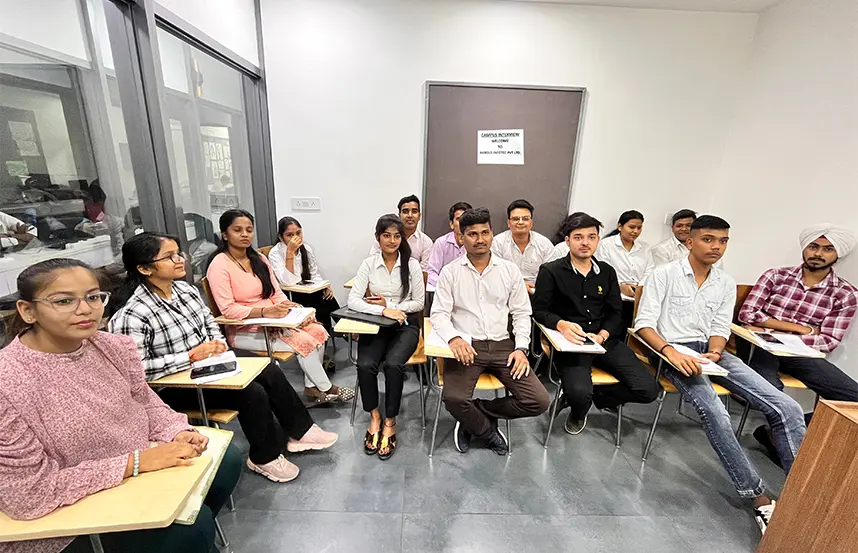
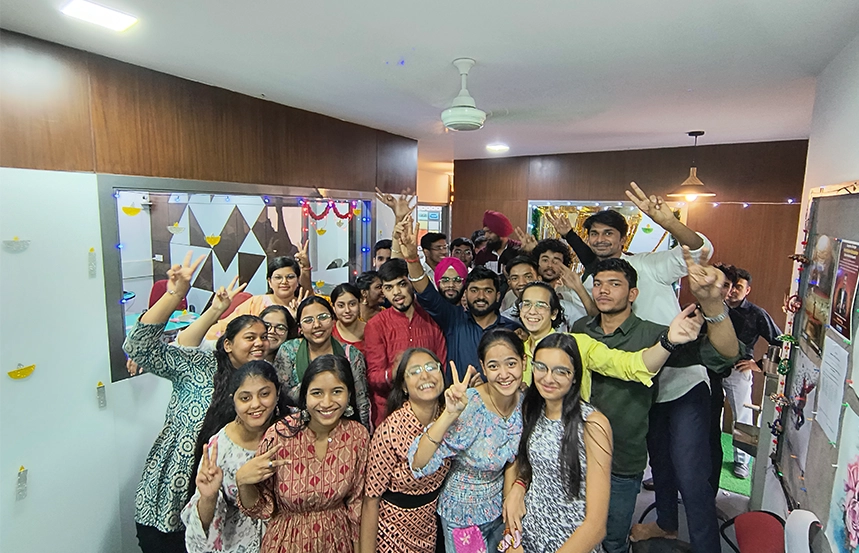
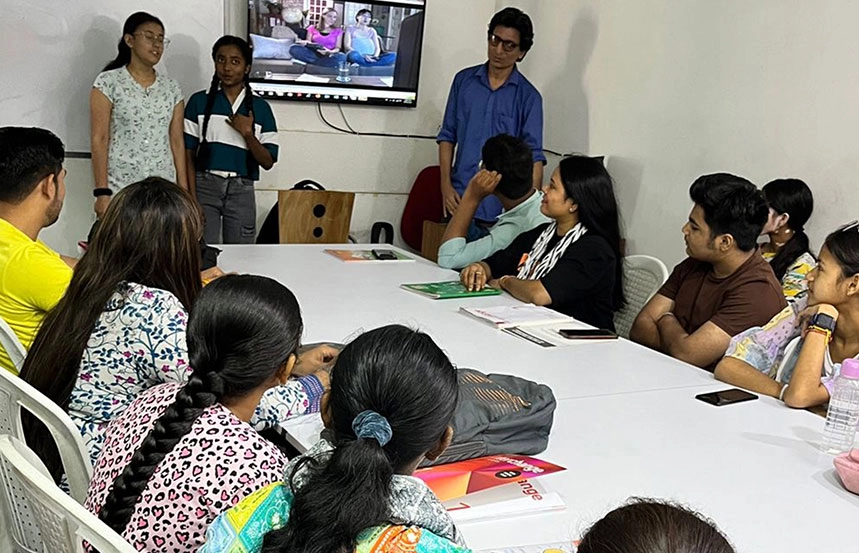
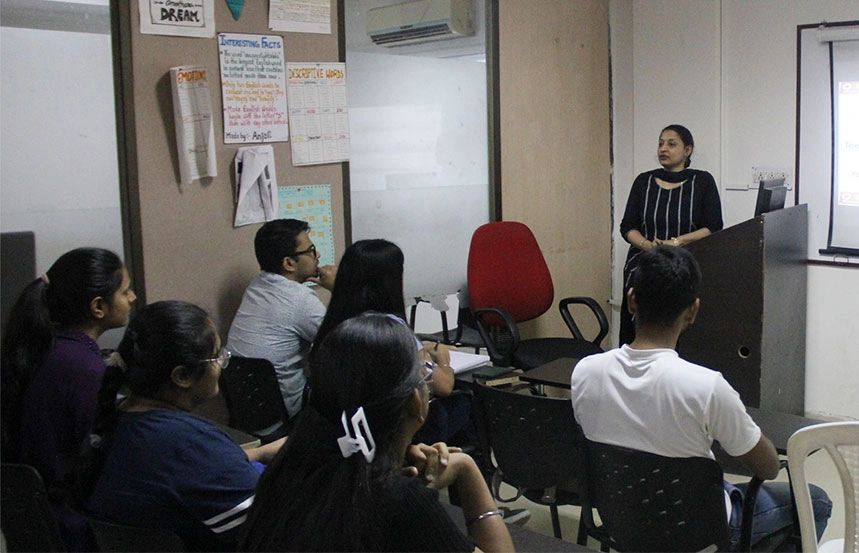
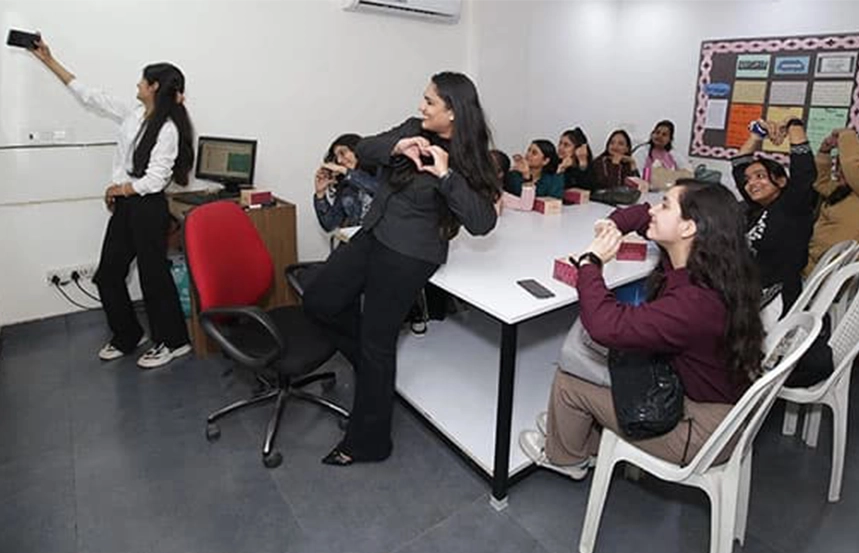
Students learning in an interactive classroom at Oxford School of Accounting Delhi

Computerised Accounting Courses

Students learning computerised accounting from basics to advanced level at Oxford School of Accounting Delhi
Accounting Courses

Learn accounting from basics to advance with practical training for jobs and business growth.

Know More
E-Accounting classroom training covering computerised accounting, GST and taxation at Oxford School of Accounting
E-Accounting Course

E-Accounting Course trains you in computerised accounting, GST, and taxation skills for today’s business world.

Know More
Tally Prime classroom training for accounting, GST and business management at Oxford School of Accounting Delhi
Tally Course

Tally Course at Oxford builds strong accounting, GST, and business management expertise using India’s leading software.

Know More
BUSY accounting software training for billing, inventory and GST compliance at Oxford School of Accounting Delhi
BUSY Accounting Course

BUSY Course develops billing, inventory, and GST compliance skills, making you job-ready in professional accounting.

Know More
Power BI classroom training for dashboards, reports and data visualisation at Oxford School of Accounting Delhi
Power BI Course

Power BI Course teaches data visualisation, dashboards, and reports to enhance decision-making.

Know More
Business Analytics training for data interpretation and decision making at Oxford School of Accounting Delhi
Business Analytics Course

Business Analytics Course trains you to interpret data, predict trends, and drive smarter business strategies.

Know More
Advanced Excel training covering pivot tables, data analysis and reporting at Oxford School of Accounting Delhi
Advanced Excel Course

Advanced Excel Course sharpens data analysis, pivot tables, charts, and reporting skills for career growth.

Know More
Combined Power BI and Advanced Excel training for data analysis and reporting at Oxford School of Accounting
Power BI and Advanced Excel

The combined course builds advanced Excel and Power BI expertise for effective data analysis.

Know More
Tax return filing training covering ITR, GST and TDS practical work at Oxford School of Accounting Delhi
Online Tax Return Filing

Learn practical skills in ITR, GST, and TDS filing with our Online Tax Return Filing Course.

Know More
SAP classroom training covering ERP, finance and operations modules at Oxford School of Accounting Delhi
SAP

SAP Course enhances ERP, finance, and operations knowledge, opening doors to global careers.

Know More
MS Office training covering Word, Excel and PowerPoint fundamentals at Oxford School of Accounting Delhi
Computer Basic Course

Computer Basic Course covers MS Office, Internet, and AI, boosting efficiency in academics and professional work

Know More
Combined MS Office and Advanced Excel training for data handling and presentation at Oxford School of Accounting
MS Office and Advanced Excel Course

Master MS Office and Advanced Excel skills to create, analyze, and present data effectively.

Know More
Combined Tally and Advanced Excel training for accounts management and financial reporting at Oxford Delhi
Advanced Excel & Tally

Learn Advanced Excel and Tally to manage accounts, analyze data, and prepare financial reports

Know More
Combined Tally, Advanced Excel and Power BI training for accounting and business analytics at Oxford Delhi
Tally, Advanced Excel & Power BI

Gain expertise in Tally, Advanced Excel, and Power BI for accounting, analytics, and business reporting

Know More
GST training covering tax laws, return filing and compliance with practical work at Oxford School of Accounting
GST Course

Learn GST laws, filing, and compliance with practical training for real-world tax skills.

Know More
Roshan sharing how he secured a job after completing his accounting course at Oxford School of Accounting Delhi
voice
Simran describing her career growth after completing accounting training at Oxford School of Accounting Delhi
voice

Voices That Inspire:
Students’ Stories

Students share their journey to
learn and master technology

Shivam sharing his professional accounting career journey after training at Oxford School of Accounting Delhi
voice
Yash Jain sharing his experience as an accounting course student at Oxford School of Accounting Delhi
voice
Roshan sharing his experience after completing the Oxford Accounting course and starting a successful job
voice
Simran describing her career growth after completing accounting training at Oxford School of Accounting Delhi
voice

Oxford School of Accounting Branches

Pitampura Branch
map-image-icon

365 Kohat Enclave, Near Kohat Metro Station Gate No. 3, North Delhi -110034

Laxmi Nagar
map-image-icon

E 354, Nirman Vihar, Adjacent to Nirman Vihar Metro Station Gate Number 2, East Delhi -110092

South Extension
map-image-icon

E 10, Part-I, Near South Extension Metro Station, South Extension, South Delhi -110049

Rajouri Garden
map-image-icon

A 4, Vishal Enclave, opposite Metro Pillar No. 411, West Delhi -110027